***Based on the design by Memnoc***
Various image optimizations/creation was made by me.
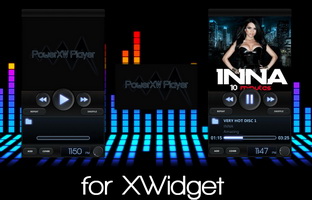
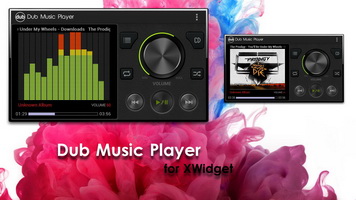
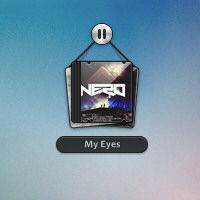
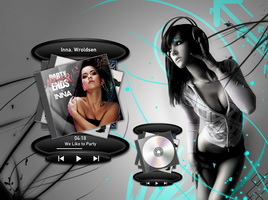
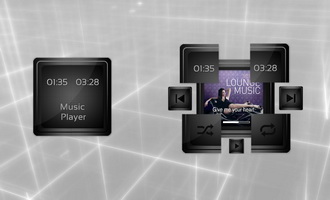
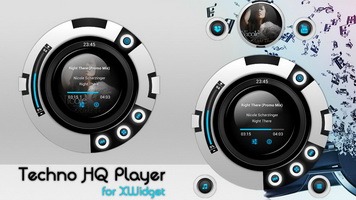
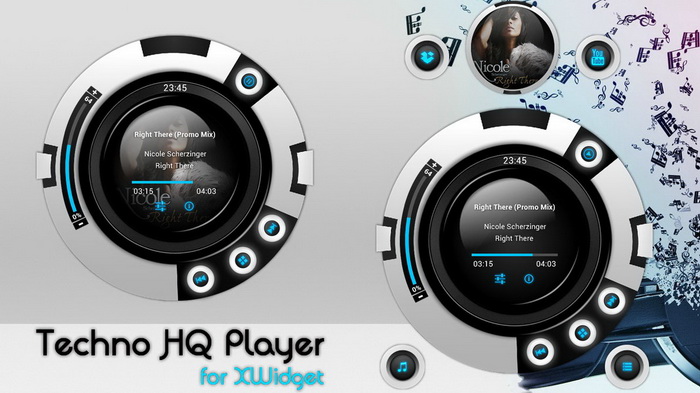
The player has two modes/visuals: NORMAL (default) and FULL.
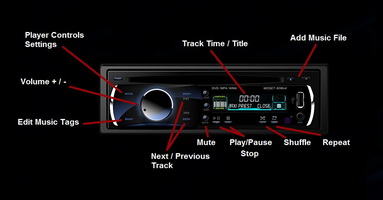
ON PLAYER FUNCTIONS/BUTTONS:
1) Press on "settings" button to open the Player Settings screen.
2) Press on "i" button to show/hide the Full mode with the extra options/mini cover.
3) Press on top-left button "box" to open the Search Cover Tool.
4) Press on top-right "YouTube" button to open the YouTube webpage to search for the video clip.
5) Press on bottom-left button "note" to Add Song.
6) Press on the bottom-right button to Edit Music Tags.
7) Press on "-" and "+" buttons to control the player volume.
Right click to Close Player.
Various image optimizations/creation was made by me.
The player has two modes/visuals: NORMAL (default) and FULL.
ON PLAYER FUNCTIONS/BUTTONS:
1) Press on "settings" button to open the Player Settings screen.
2) Press on "i" button to show/hide the Full mode with the extra options/mini cover.
3) Press on top-left button "box" to open the Search Cover Tool.
4) Press on top-right "YouTube" button to open the YouTube webpage to search for the video clip.
5) Press on bottom-left button "note" to Add Song.
6) Press on the bottom-right button to Edit Music Tags.
7) Press on "-" and "+" buttons to control the player volume.
Right click to Close Player.